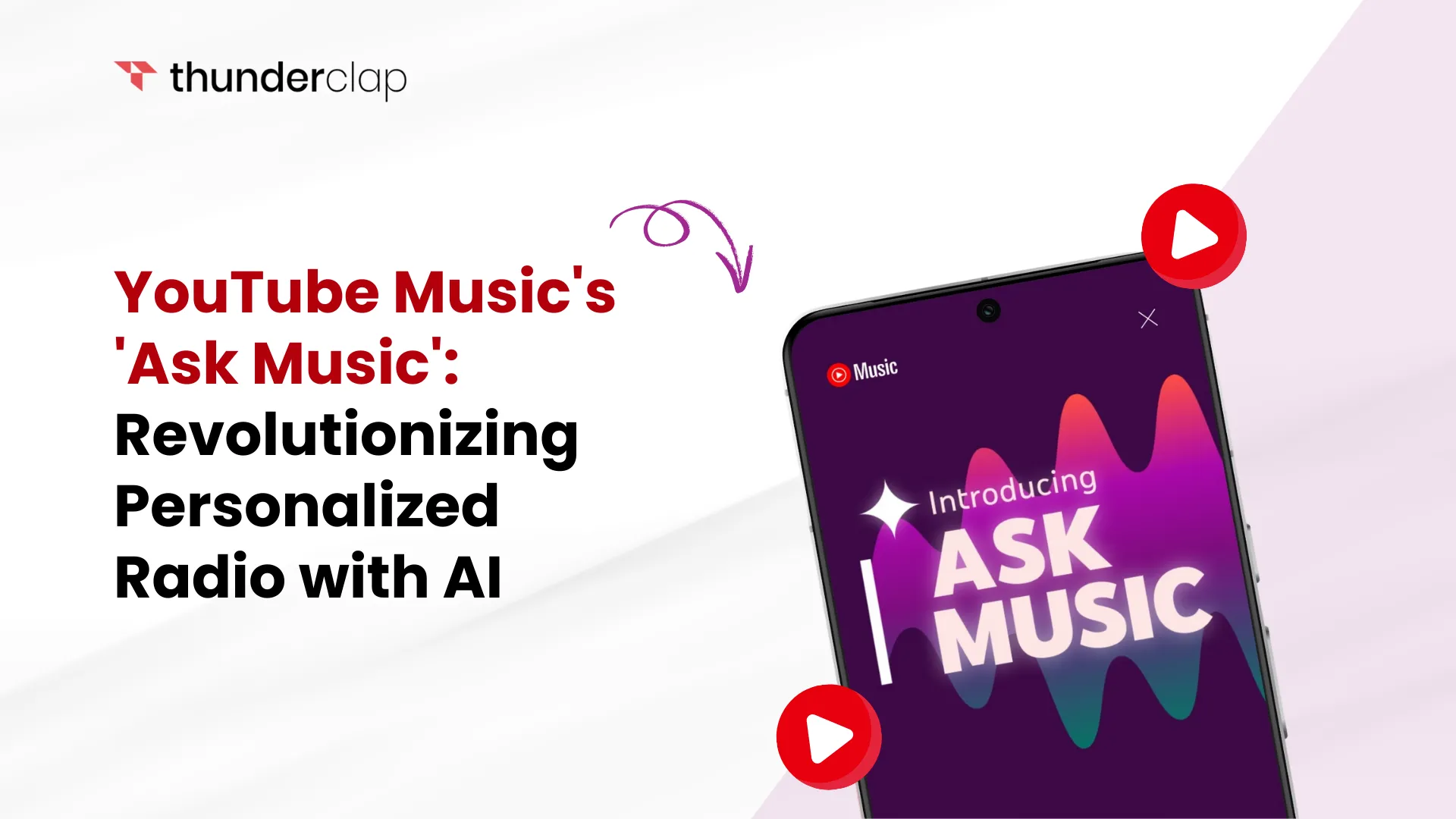
‘Ask Music’ isn’t just another playlist generator—it’s powered by advanced AI that understands context and intent. With just a few words or a voice prompt, the feature analyzes your input, scans YouTube Music’s vast library, and instantly builds a custom radio station.
Here is how this YouTube feature works-
-
Step 1: Accessing the Feature
Upon opening the YouTube Music app, users will notice an ‘Ask for music’ section prominently displayed on the Home tab. This area showcases ten suggested prompts, such as “Deep-voice singers” or “Chillwave,” which users can select to generate a custom radio station instantly.
Additionally, there’s an ‘Ask any way you like’ field with a voice input option, enabling users to input prompts that describe a mood, activity, or listening experience.
-
Step 2: Generating Personalized Stations
After entering a prompt, the AI curates a radio station within seconds. The station’s card displays the first three tracks, with autoplay enabled. Users can save the station by tapping ‘Add to library.’ Each station also features a brief, engaging description to set the tone.
-
Step 3: Voice Input and Natural Language Processing
The ‘Ask Music’ feature supports voice input, allowing users to speak their prompts naturally. For example, saying, “Play some upbeat 80s hits for my workout,” will prompt the AI to generate a suitable playlist.
This conversational approach enhances user engagement and simplifies the music discovery process.

 Written By Michael Johnson
  0 Comments
  Publish Date : December 26, 2025
  2 min read
  What Makes 'Ask Music' Unique?
 Oliver Harris
 26th Dec
 Emily Thompson

 Sophia Martinez