
 Written By Alexander Noah
  0 Comments
  Publish Date : December 25, 2025
  6 min read
 The Instagram app has come a long way from its initial capabilities of simply sharing photos with family and friends.
Rich with features and functions, it can be difficult to keep track of how things work.
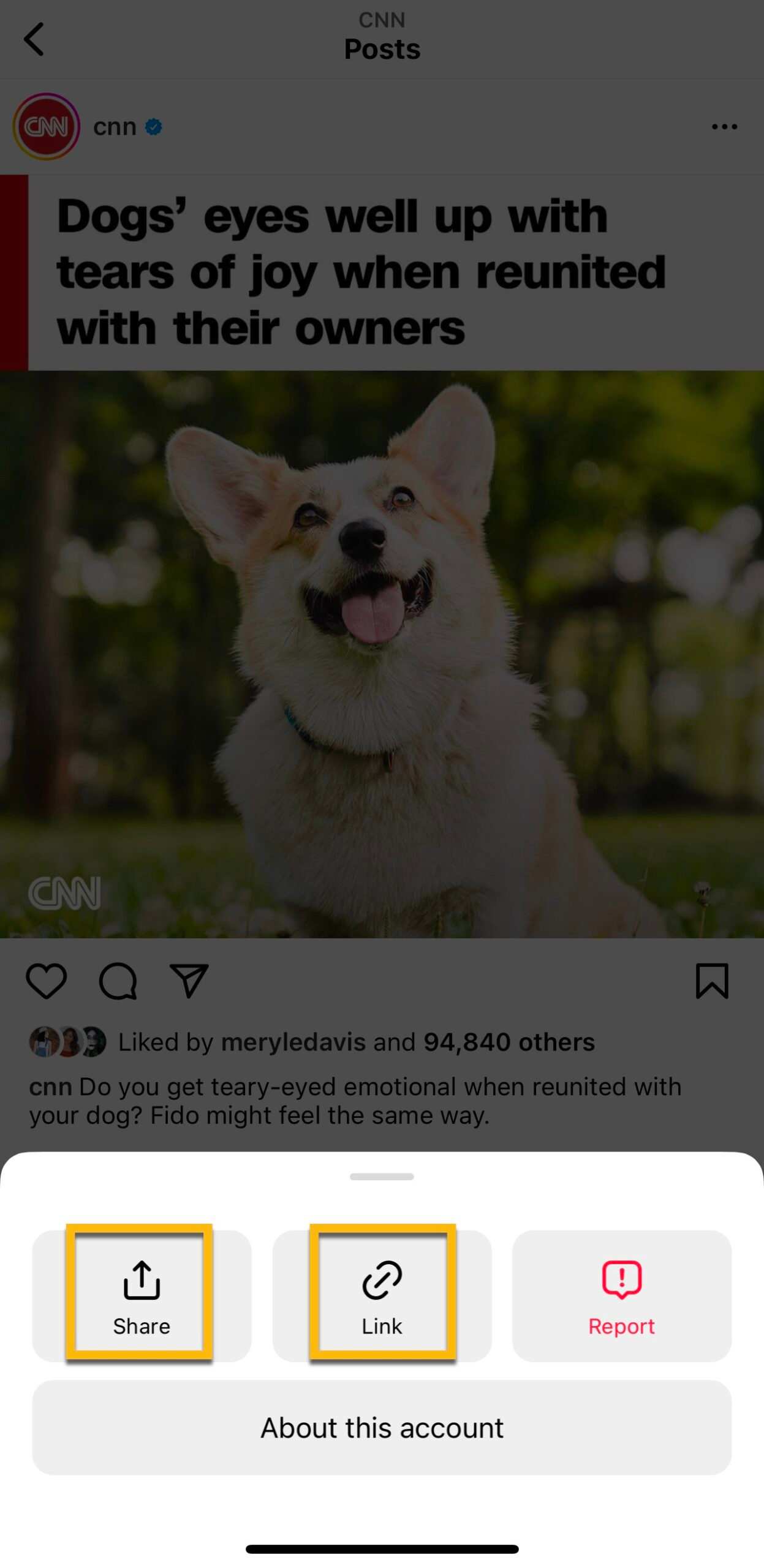
Finding your Instagram URL may be one of those things — in fact, you may not even realize that you have one!
The reason that many people overlook the Instagram URL is the fact that most people access the platform via the Instagram app on mobile.
Your Instagram profile link may not seem like something that’s of vital importance, but if you want to share your Instagram profile without a problem, you must understand how to Share your Instagram Profile quickly and easily.
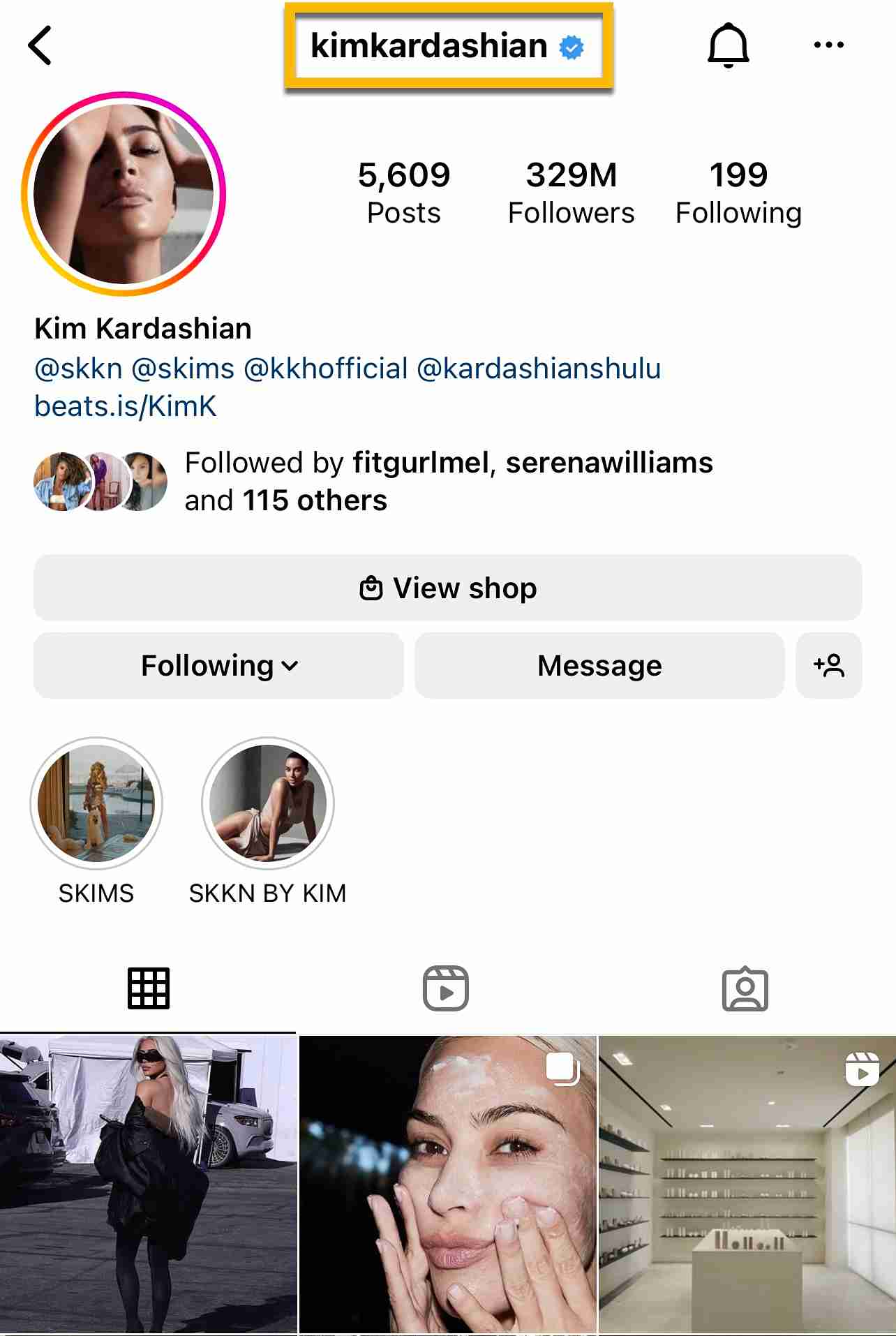
Your Instagram username is a part of what creates this unique URL. If you are a content creator or using Instagram for business purposes, you’ll certainly want to know how to find and share this profile URL with ease.
It allows people to find your Instagram profile instantly, which is exactly what you need if you want to grow your Instagram account.
Not only that, you can buy Instagram likes to boost your content’s engagement and visibility, making it easier for new audiences to discover your profile through your shared URL.
Not only that, you can use your Instagram URL in many different marketing endeavors, linking it to other social media platforms like YouTube, Twitter, Facebook, and TikTok, or even including it on your website and email newsletters.
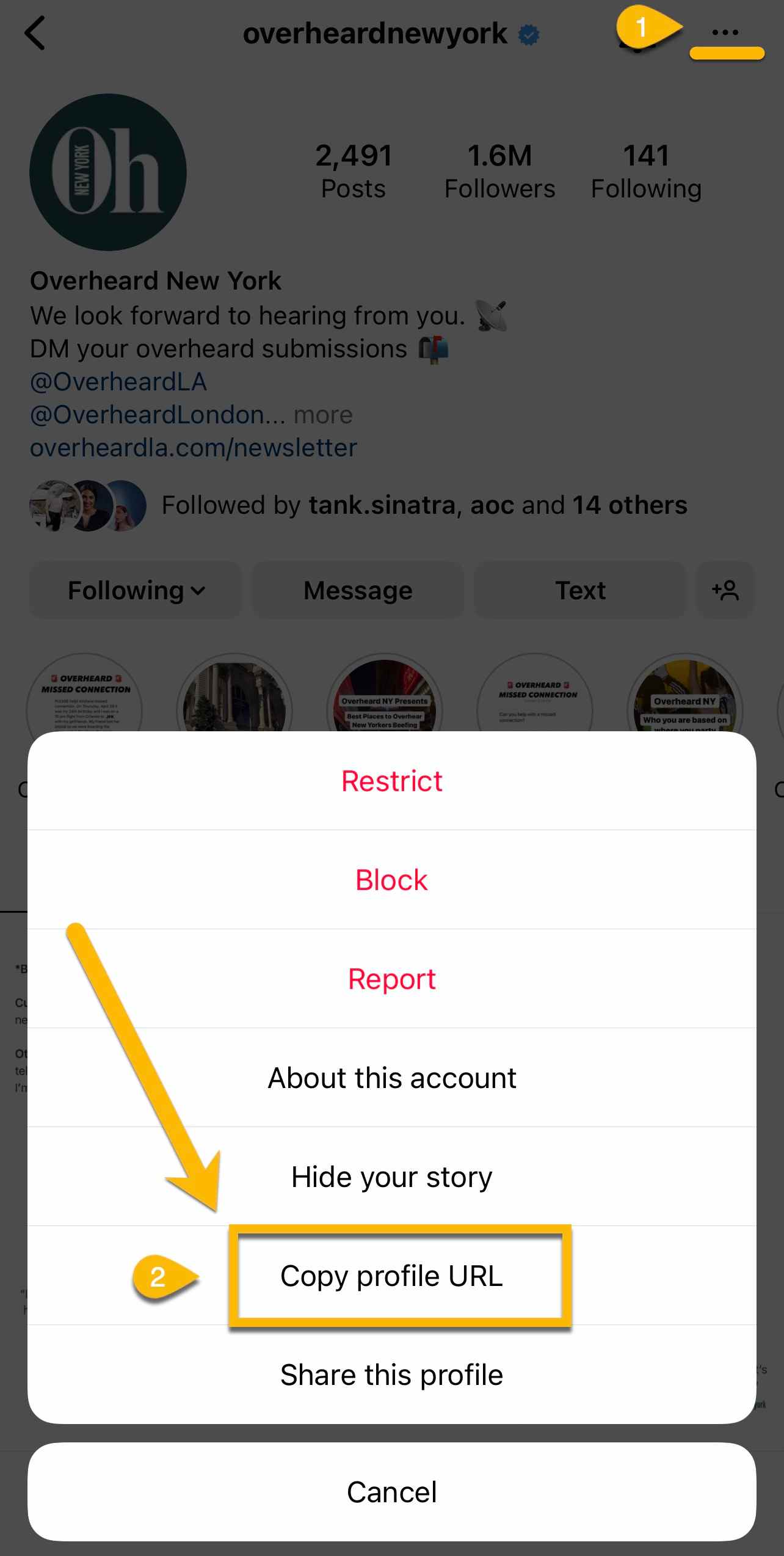
Read on to find out how to identify your Instagram profile URL on both a mobile device as well as from a desktop, how you can find someone else’s profile URL, and how to change yours if you’d like!
Let’s get started.
 Best Places to Buy Instagram Followers in 2023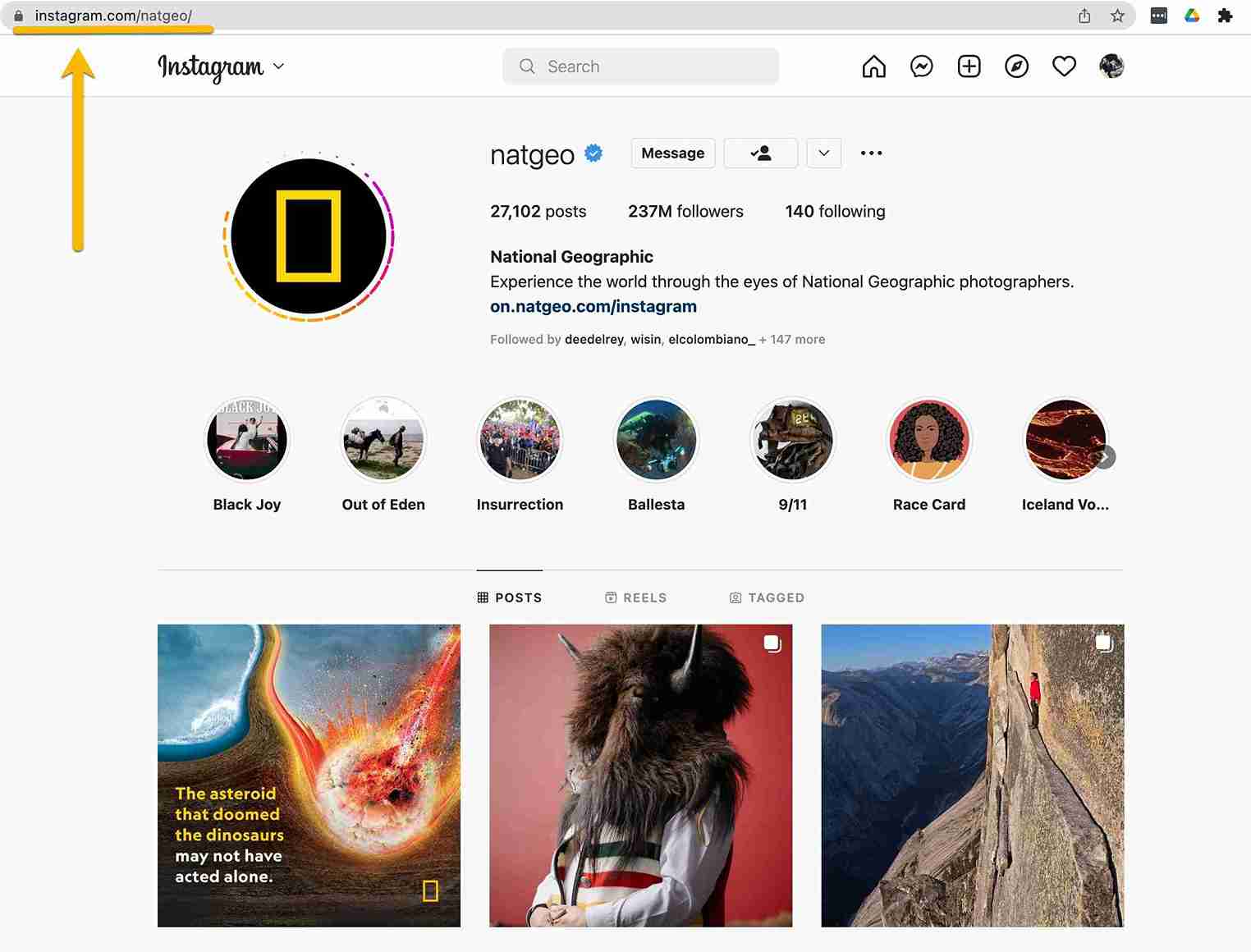


 26th Dec
 Sophia Martinez
